Jina URL to Markdown Tool
Description
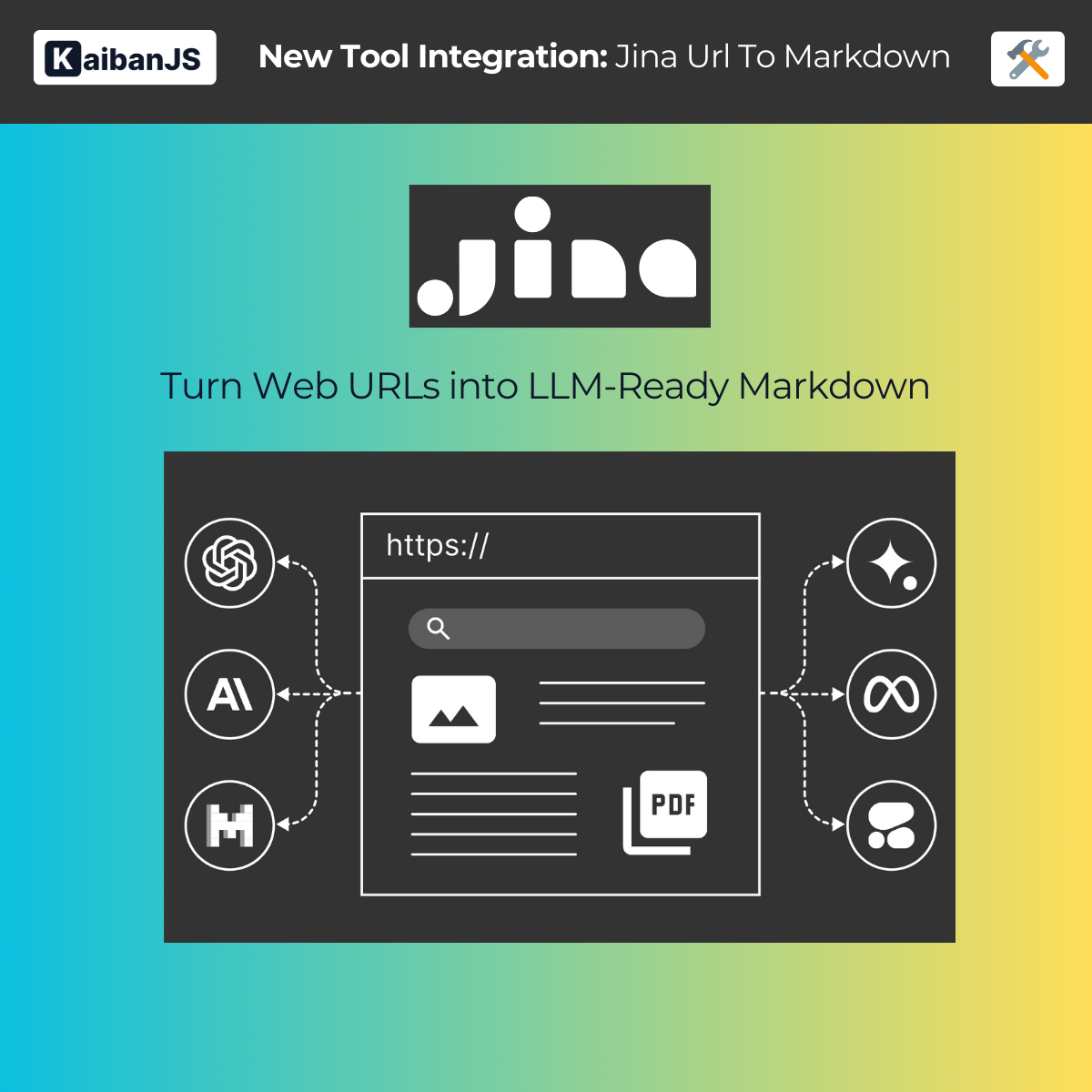
Jina is a powerful web scraping and crawling service designed to turn websites into LLM-ready data. The Jina URL to Markdown tool enables AI agents to extract clean, well-formatted content from websites, making it ideal for AI applications and large language models.
Acknowledgments
Special thanks to Aitor Roma and the Nimbox360 team for their valuable contribution to this tool integration.
Enhance your agents with:
- Advanced Web Scraping: Handle complex websites with dynamic content
- Clean Markdown Output: Get perfectly formatted, LLM-ready content
- Anti-bot Protection: Built-in handling of common scraping challenges
- Configurable Options: Multiple output formats and customization options
- Content Optimization: Automatic cleaning and formatting for AI processing
Installation
First, install the KaibanJS tools package:
npm install @kaibanjs/tools
API Key
Before using the tool, ensure that you have obtained an API key from Jina. This key will be used to authenticate your requests to the Jina API.
Example
Here's how to use the Jina URL to Markdown tool to extract and process web content:
import { JinaUrlToMarkdown } from '@kaibanjs/tools';
import { z } from 'zod';

const jinaTool = new JinaUrlToMarkdown({
    apiKey: 'YOUR_JINA_API_KEY',
    options: {
        retainImages: 'none',
        // Add any other Jina-specific options here
    }
});

const contentAgent = new Agent({
    name: 'WebProcessor',
    role: 'Content Extractor',
    goal: 'Extract and process web content into clean, LLM-ready format',
    background: 'Specialized in web content processing and formatting',
    tools: [jinaTool]
});
Parameters
apiKeyRequired. Your Jina API key. Store this in an environment variable for security.optionsOptional. Configuration options for the Jina API:retainImages: Control image handling ('all', 'none', or 'selected')targetSelector: Specify HTML elements to focus on- Additional options as supported by Jina's API
Common Use Cases
-
Content Extraction
- Clean blog posts for analysis
- Extract documentation
- Process news articles
- Gather research papers
-
Data Processing
- Convert web content to training data
- Build knowledge bases
- Create documentation archives
- Process multiple pages in bulk
-
Content Analysis
- Extract key information
- Analyze web content structure
- Prepare content for LLM processing
- Generate summaries
Best Practices
-
URL Selection
- Verify URL accessibility
- Check robots.txt compliance
- Consider rate limits
- Handle dynamic content appropriately
-
Content Processing
- Use appropriate selectors
- Configure image handling
- Handle multilingual content
- Validate output format
-
Error Handling
- Implement retry logic
- Handle timeouts gracefully
- Monitor API limits
- Log processing errors
Contact Jina
Need help with the underlying web scraping technology? You can reach out to the Jina team:
Is there something unclear or quirky in the docs? Maybe you have a suggestion or spotted an issue? Help us refine and enhance our documentation by submitting an issue on GitHub. We're all ears!